
 www.skeletonsha4ow.shop
 Join our Discord
Sha4ow DashCam — Advanced Vehicle Surveillance & GPS Tracking System
Overview
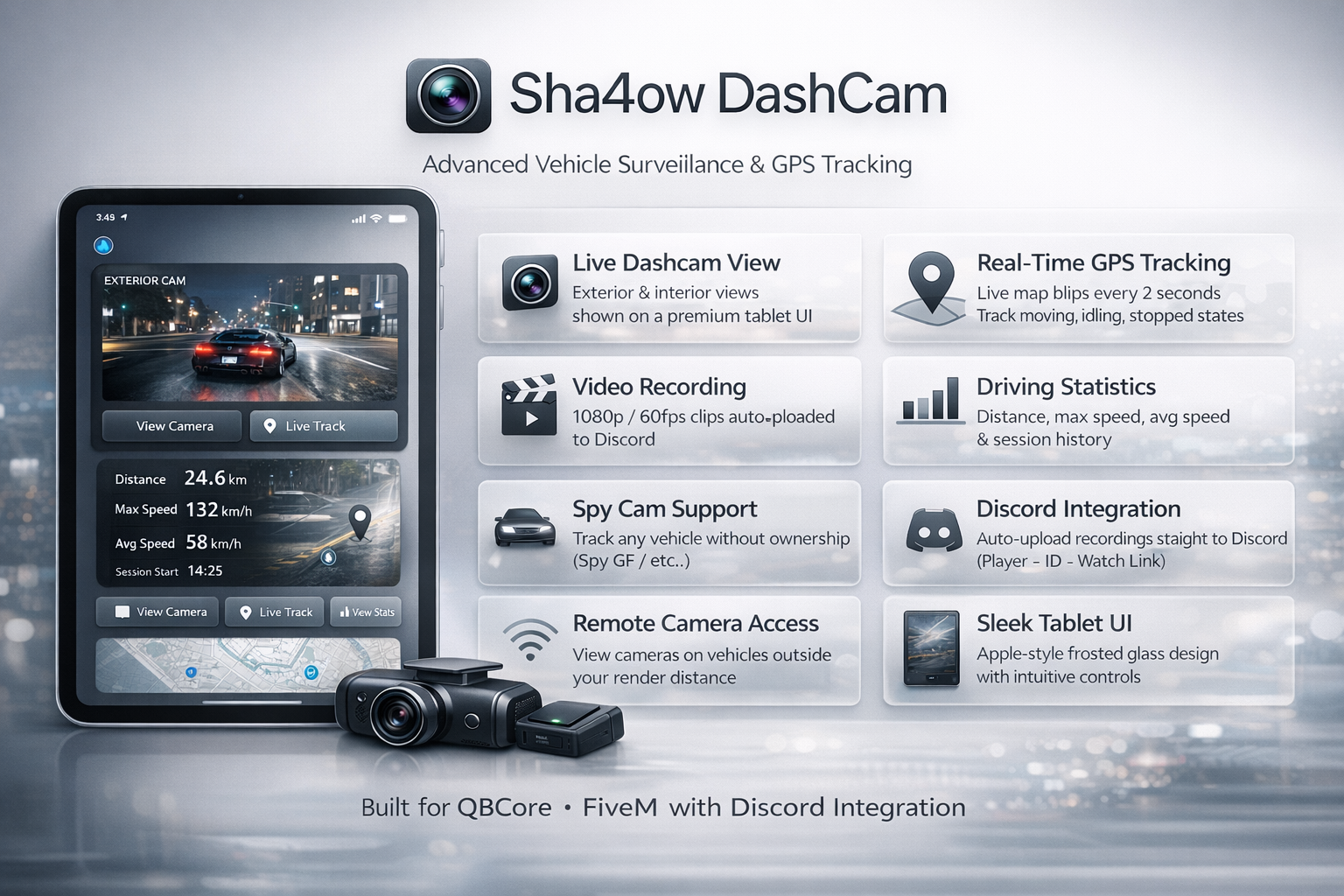
Sha4ow DashCam is a comprehensive vehicle surveillance resource for FiveM QBCore servers. It combines real-time GPS tracking, live dashcam feeds, in-game video recording, and Discord integration into a single polished package — all wrapped in a premium Apple-inspired tablet interface. Whether you're running a police department, a detective agency, or just want to keep tabs on your fleet, Sha4ow DashCam gives you complete visibility over every vehicle on your server.
What Makes It Different
Most dashcam scripts stop at a basic camera view. Sha4ow DashCam goes further — it lets you record what the camera sees and send it directly to Discord, tracks every GPS point the vehicle travels, and even lets you view cameras on vehicles that are outside your render distance by intelligently teleporting you to the vehicle, waiting for it to stream in, and locking the camera onto the real entity — then silently returning you to your original position when you're done. No black screens, no "vehicle not found" errors.
Core Features
📷 Live Camera View
Open any installed camera from the tablet to enter a cinematic dashcam perspective. Switch between Exterior (forward-facing, road view) and Interior (rear-facing, cabin view) modes on the fly. The camera auto-tracks vehicle heading in real time so footage always faces the right direction.
🗺️ Real-Time GPS Tracking
Every vehicle with an installed camera is tracked continuously. GPS points record coordinates, speed, heading, and engine state at a configurable interval. A live map blip updates every 2 seconds with colour-coded status — green for moving, orange for idling, red for stopped, and grey for a despawned last-known position.
🎥 In-Camera Video Recording
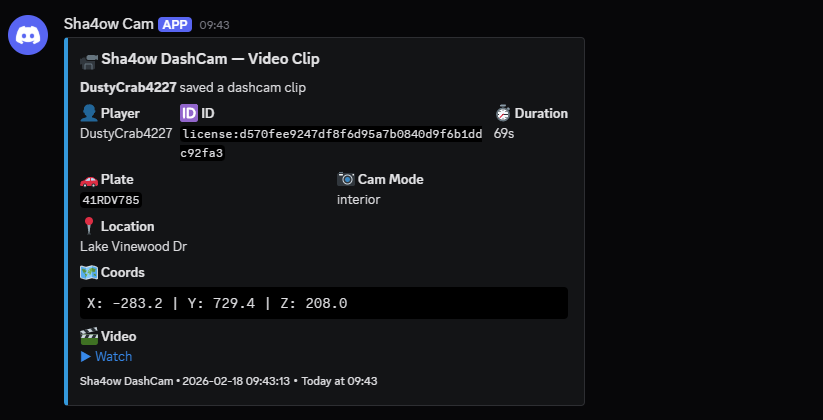
Press R while viewing any camera to start recording. The recording system uses a WebGL canvas framebuffer hook — it directly pipes FiveM's rendered game output into a canvas element at full resolution without any screen capture permission prompts. The clip is captured at 1080p / 60fps / 12Mbps using the VP9 codec via the MediaRecorder API. When stopped, the clip is automatically uploaded to Fivemanage and a full Discord embed is fired to your webhook containing the player name, identifier, session duration, vehicle plate, camera mode, street name, coordinates, and a direct watch link.
🌐 Remote Camera Access
Viewing a camera whose vehicle is far away — outside your LOD — is fully supported. The script silently makes your character invisible and frozen, teleports you to the vehicle's last known server-side coordinates, waits up to 5 seconds for the vehicle entity to stream into the game pool, then attaches the camera naturally to the real vehicle entity. When you exit the view, you are instantly returned to your exact original position. From the user's perspective it is seamless.
📊 Driving Statistics
Every camera tracks a full statistics history per session — total distance travelled, maximum speed, average speed, and session start time. These can be viewed any time from the tablet and wiped to start a fresh recording session.
🕵️ Spy Cam Support
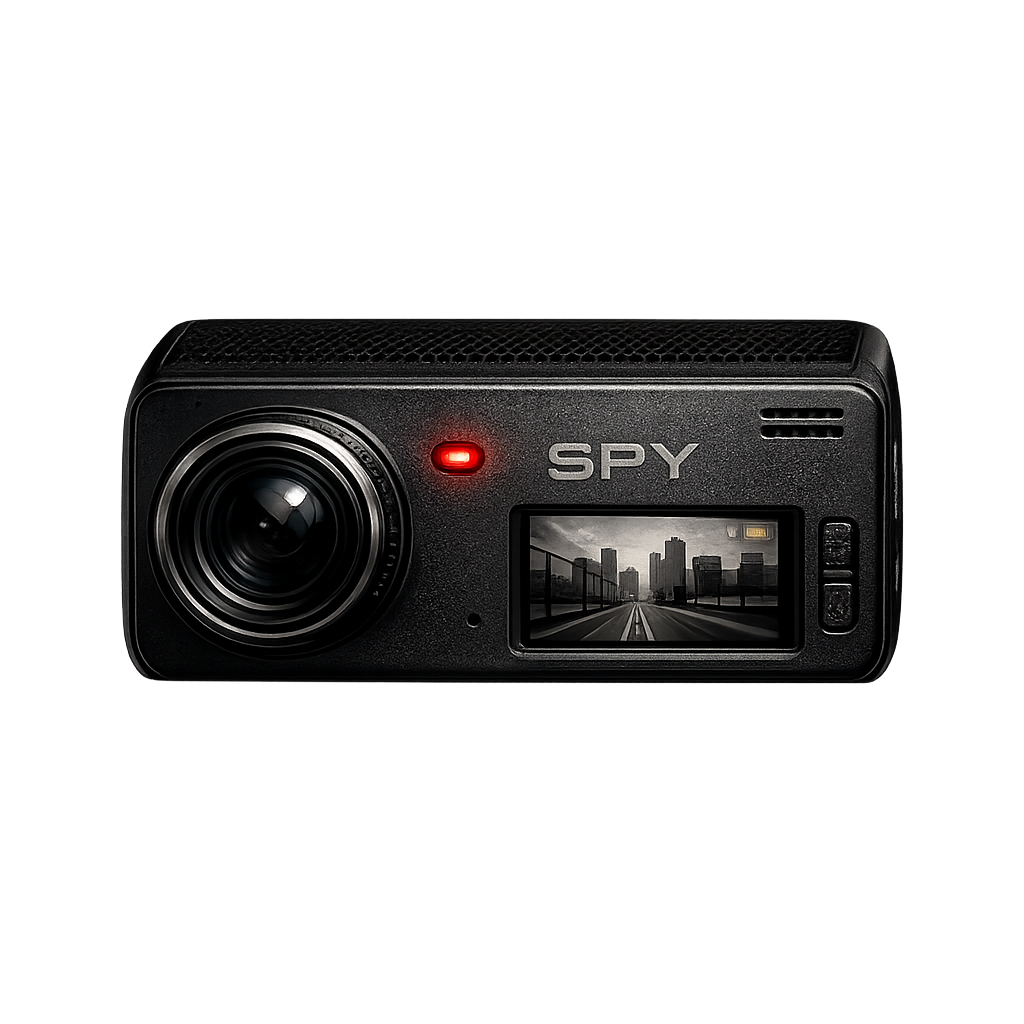
The dashcam_spy item allows installation on any vehicle regardless of ownership — ideal for detective or law enforcement roleplay scenarios where tracking a suspect vehicle is required.
Controls
| Key | Action |
|---|---|
E | Exit camera view |
1 | Switch to Exterior camera |
2 | Switch to Interior camera |
R | Start / Stop video recording |
Camera Overlay
While in camera view a live overlay renders on screen showing:
Pulsing REC indicator
In-game date and time
Vehicle speed (metric or imperial)
Active camera mode label
Vehicle plate number
Scanline effect for authentic CCTV aesthetic
Bottom recording status bar — ● RECORDING TO DISCORD pulses red while active, [R] START RECORDING shown when idle
Tablet UI
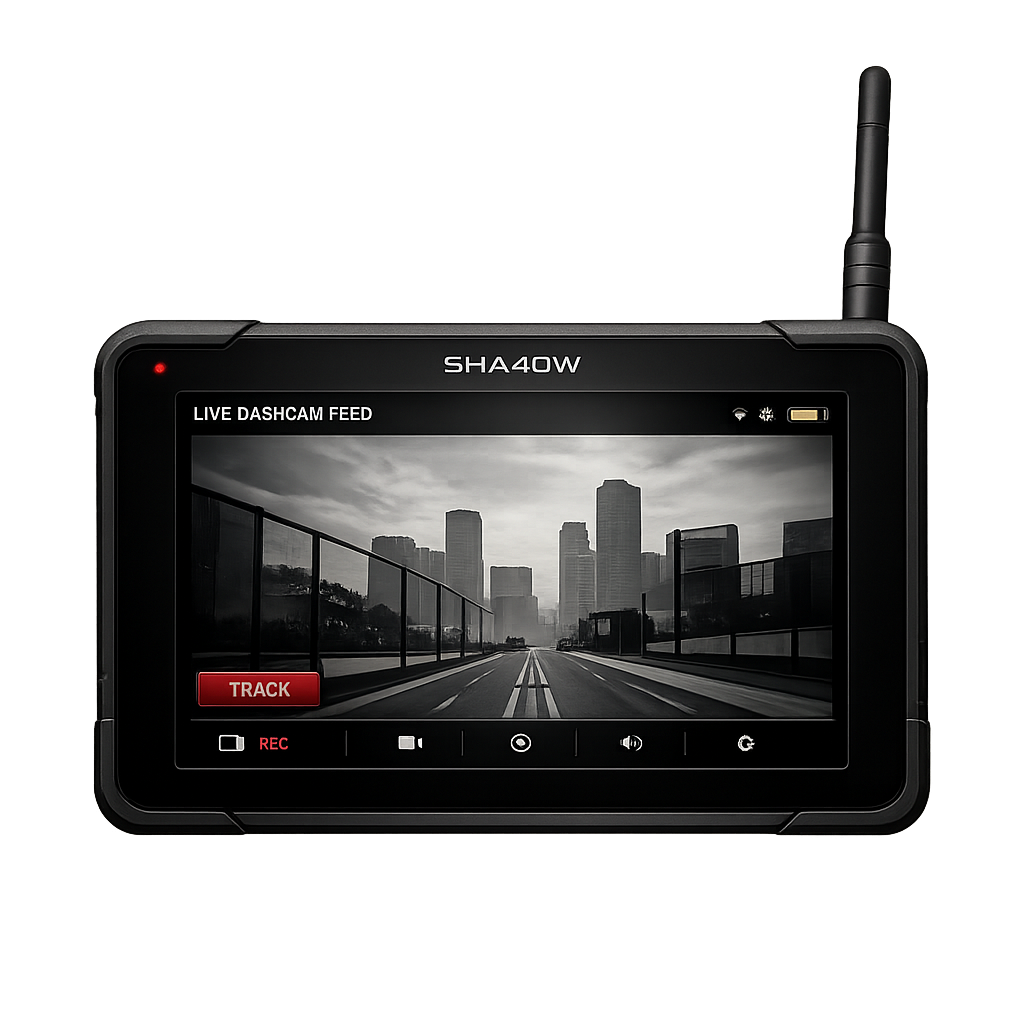
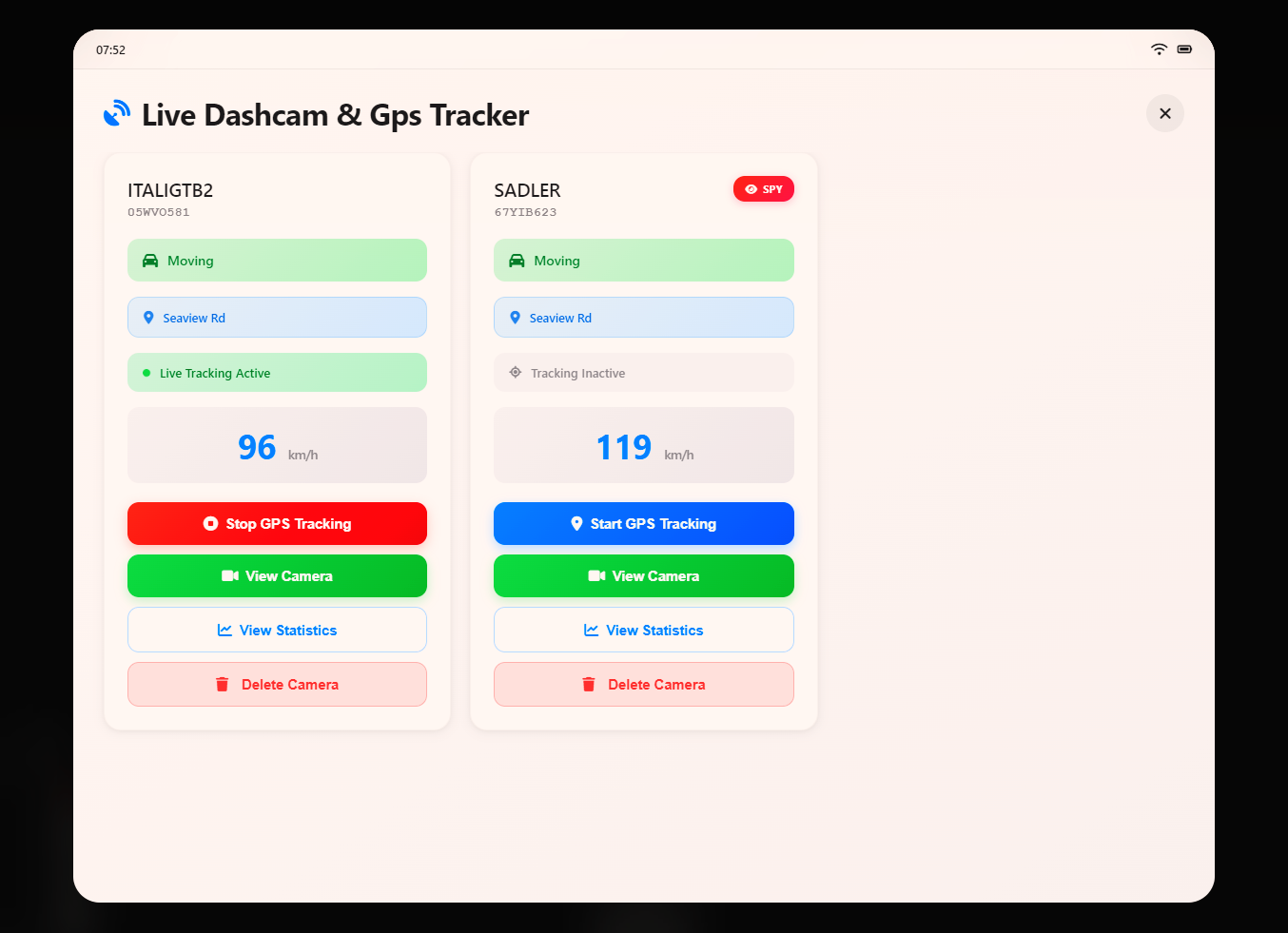
The surveillance tablet is opened with the dashcam_tablet item. Each registered camera appears as a card showing:
Vehicle model name and plate
Live status badge (Moving / Stopped / Idling / Inactive / Last Known)
Current street location
Live speed readout
Action buttons — View Camera, Live Track, Statistics, Uninstall
The UI is built with an Apple Human Interface inspired design language — frosted glass panels, smooth animations, SF Pro typography, colour-coded status indicators, and a fully responsive layout that scales across resolutions.
Items
| Item Name | Description |
|---|---|
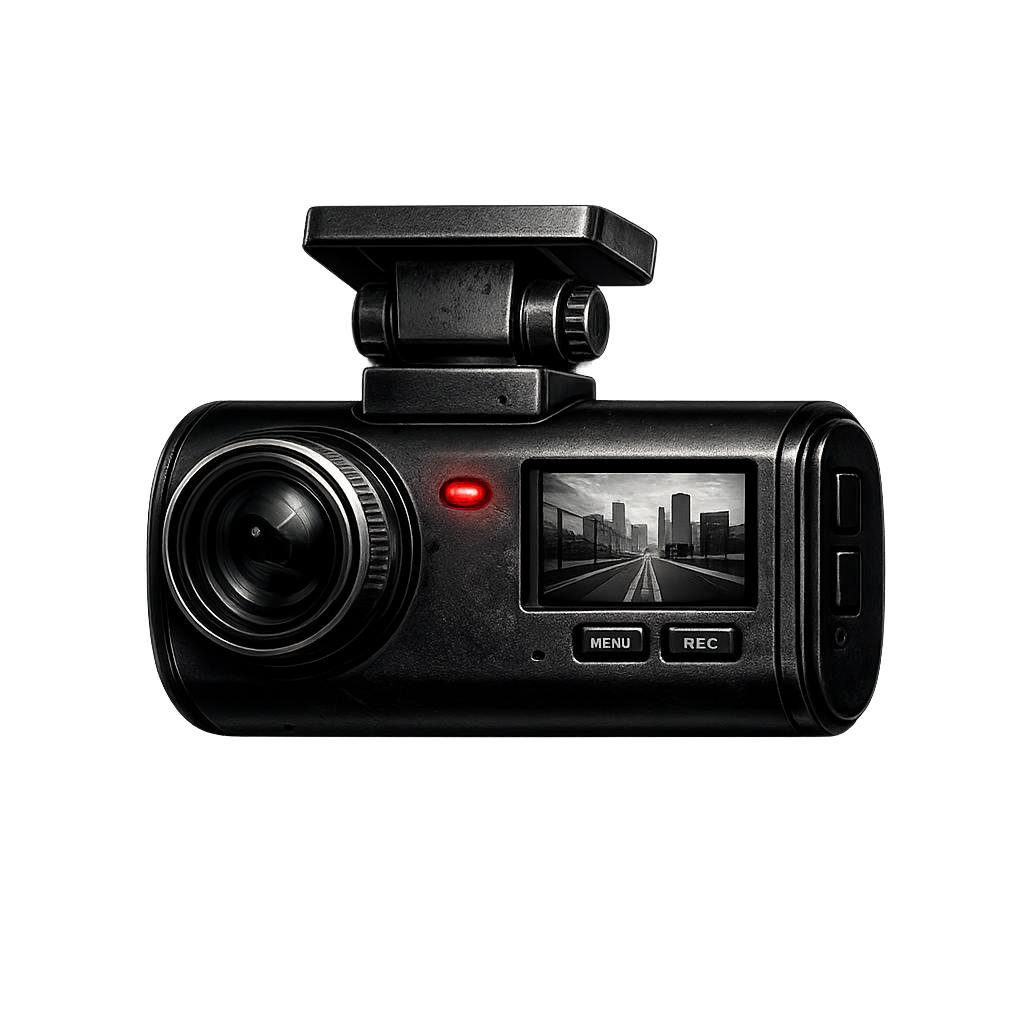
dashcam | Standard dashcam — install on your own vehicle only |
dashcam_spy | Spy cam — install on any vehicle without ownership verification |
dashcam_tablet | Surveillance tablet — view and manage all your cameras |
Configuration
| Option | Default | Description |
|---|---|---|
RecordInterval | 3000 ms | Frequency of GPS point recording |
MinDistanceToSave | 15.0 m | Minimum movement before saving a new GPS point |
StopSpeedThreshold | 1.0 km/h | Speed below which vehicle is considered stopped |
InstallDistance | 3.0 m | Maximum distance from vehicle to install a camera |
InstallTime | 5000 ms | Duration of installation progress bar |
MaxRecordingTime | 30 s | Auto-stop recording after this many seconds |
UseMetric | true | true for km / km/h, false for miles / mph |
FivemanageToken | — | Your Fivemanage API token for video uploads |
DiscordWebhook | — | Discord webhook URL for clip delivery |
BotName | Sha4ow Cam | Display name of the Discord bot |
EmbedColor | 3447003 | Discord embed accent colour (decimal value) |
Database
Three tables are created automatically on first resource start — no manual SQL import needed.
| Table | Contents |
|---|---|
dashcam_cameras | All registered cameras — plate, owner citizen ID, model, lifetime distance, max speed, total points |
dashcam_sessions | Per-session records — start time, end time, session distance, max/avg speed |
dashcam_points | Individual GPS coordinate entries — x, y, z, speed, heading, engine state, timestamp |
Installation
1. Drop the Sha4owdashcam folder into your resources directory 2. Add `ensure Sha4owdashcam` to your server.cfg 3. Database tables are created automatically on first start 4. Set Config.FivemanageToken with your Fivemanage API token 5. Set Config.DiscordWebhook with your Discord webhook URL 6. Add the three items to your qb-core shared items list 7. Restart your server
Dependencies
| Dependency | Required For |
|---|---|
qb-core | Framework — player data, callbacks, notifications, items |
oxmysql | Database queries and persistent storage |
Fivemanage | Video CDN — clip upload and hosting |
| Discord Webhook | Receiving recorded clips with full metadata embeds |
Developed by sha4ow — Built for QBCore / FiveM